
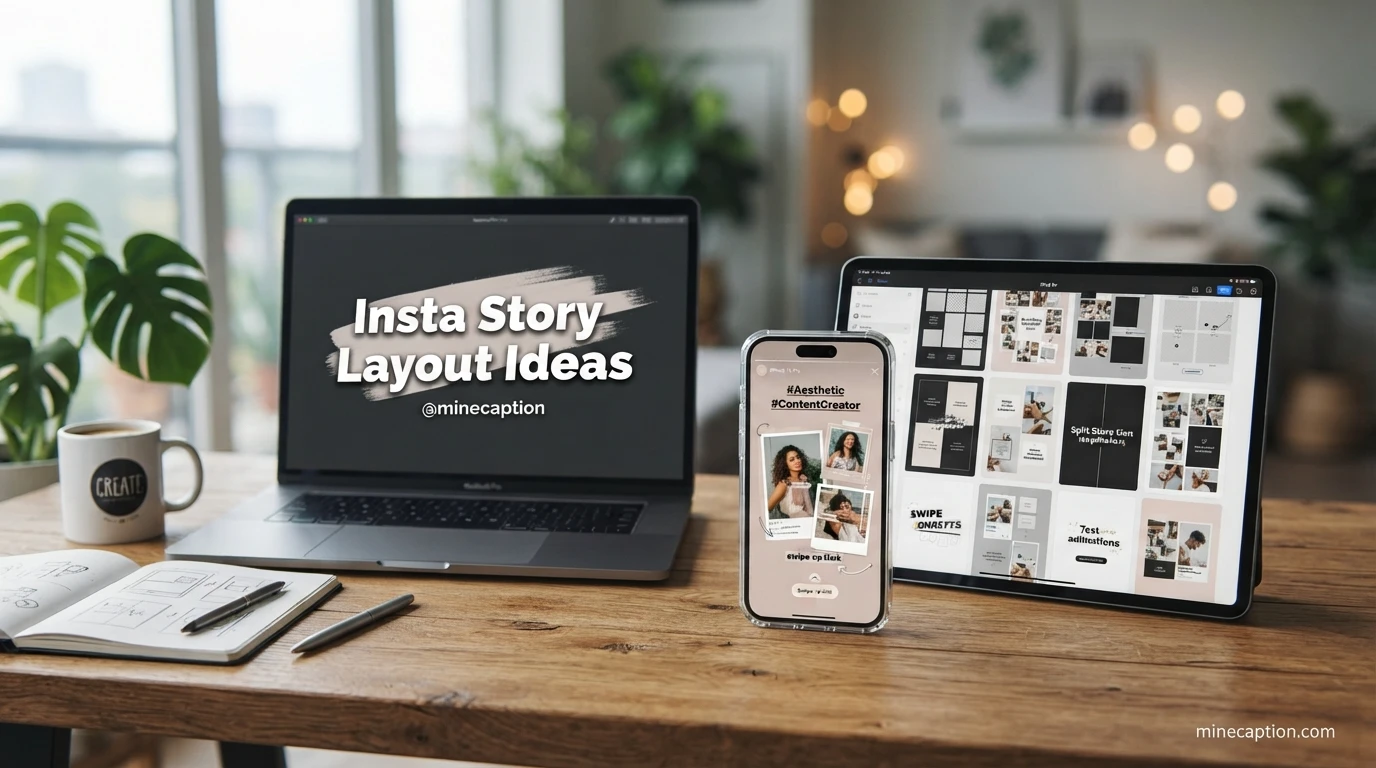
We all know that feeling. You open Instagram and see a friend’s story with a stunning layout. It flows perfectly, It tells a story, It makes you stop and watch every single frame. Then you look at your own story. It feels flat. It feels rushed. You lose your viewers before they even see your message. This is a common problem. We all want our stories to stand out, We want to connect with our audience, We want them to feel something. A great layout is the secret to making that happen. It is not about being a professional designer. It is about using simple, powerful insta story layout ideas that work. This guide will give you everything you need. You will learn how to turn a boring story into a captivating experience. Your viewers will stick around. They will engage. They will remember you. Let’s change how you use Instagram Stories forever.
Start with a Clean and Minimalist Look
- Place your text in the center of a solid beige background for a warm, grounded feeling. 🧡
- Use a stark black and white filter on your photo and add minimal white text for a dramatic effect. 🖤
- Choose a single pastel color like baby blue as your backdrop and add a single line of poetic text. 💙
- Add a thin, elegant frame around your photo to create a classic and curated look. 🤍
- Use the “Aa” text tool in a large, bold font with a contrasting color for your main headline. 🔤
- Place a single small emoji near the bottom of the screen to add personality without clutter. 🌱
- Capture a photo with a lot of negative space and write your message directly in that empty area. 🌄
- Choose a soft, muted grey background and use a bright neon color for your call to action. 📌
- Add a subtle drop shadow to your text to make it pop against a light background. ✨
- Use the “Marker” pen tool in a matching color to draw a small line under your key word. 📝
- Keep all your text aligned to the left for a clean, editorial and modern look. 📄
- Use a cream-colored background and warm brown text for a cozy and trustworthy feel. 🤎
- Add a very small, simple sticker like a star to add a little bit of magic. ⭐
- Write your story in short, punchy sentences separated by line breaks for easy reading. 💬
- Use a solid dark navy background with gold or white text for a feeling of luxury and depth. 🌙
Try the Cutout Collage EffectA
- Cut out your face from one photo and place it over a scenic background for a surreal travel story. 🌍
- Place a cutout of a product in the foreground while the background shows it being used in real life. 📱
- Cut out a series of small objects like flowers and arrange them around a central portrait. 🌸
- Use a cutout of a coffee cup and place it on a photo of your desk to create a cozy morning mood. ☕
- Cut out the eyes from a celebrity photo and place them on a cartoon character for a funny twist. 👀
- Create a before and after look by cutting out a new version of yourself and placing it next to the old. 🦋
- Cut out a quote from a book and place it over a photo of your current favorite snack. 📖
- Cut out a pair of sunglasses and place them on a pet for a hilarious summer story. 😎
- Use a cutout of a clock to show the passage of time over a background of a cityscape. 🕰️
- Cut out colorful shapes from a painting and scatter them around your main image for an artistic feel. 🎨
- Place a cutout of a food item on a plate in the center and add smaller cutouts of ingredients around it. 🥗
- Cut out a silhouette and fill it with a patterned background for a unique design element. 🌿
- Cut out an old photo of yourself and place it over a modern scene to show how you have grown. 🌻
- Use a cutout of a hand pointing at text to draw attention to your main message. 👆
- Cut out a map pin and place it on a random city to show your dream destination. 📍
Design a Question and Answer Template
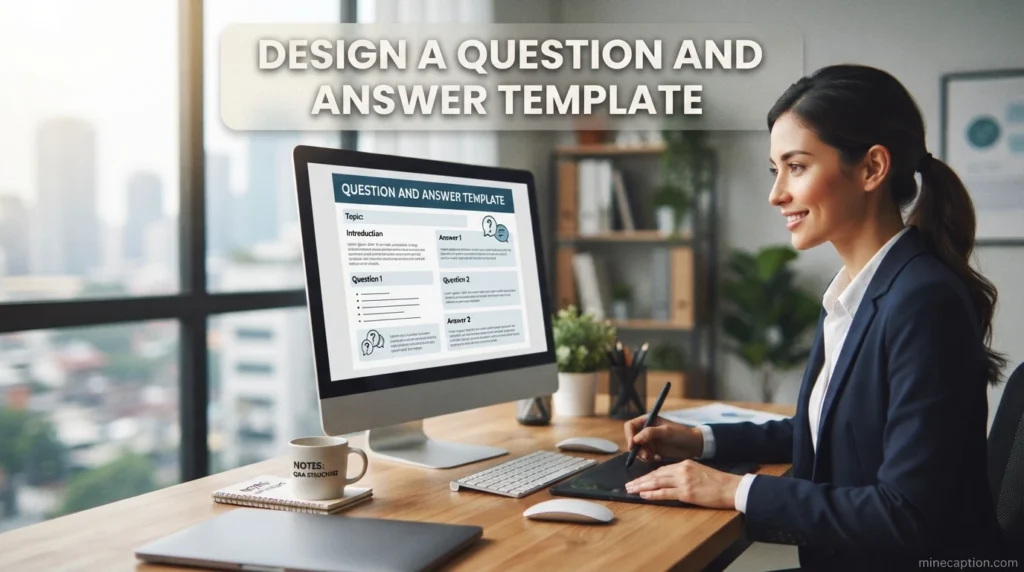
- Create a neon sign effect in the background and place your question in the middle of it. 🌟
- Use a photo of a chalkboard as your background and write your question with a white marker. 🏫
- Design a simple layout with a speech bubble and place your question inside that bubble. 🗯️
- Ask a “This or That” question and place the options on opposite sides of the screen. ⚖️
- Use a blurred photo of yourself as a background to add a personal touch to your Q&A. 📸
- Ask a question about your audience’s favorite movie and use a film strip pattern as a border. 🎞️
- Create a simple poll and ask your audience to vote on their favorite new product design. 🗳️
- Ask a “Fill in the Blank” question and leave a dotted line for people to imagine the answer. ✏️
- Use a question sticker but customize its color to match your overall theme perfectly. 🎯
- Post a photo of a mystery object and ask your audience to guess what it is. 🔍
- Ask a lighthearted question about guilty pleasures to make your audience feel comfortable. 🍫
- Use a countdown sticker for a live Q&A and design a background that shows the time ticking. ⏳
- Ask a question about a personal challenge you face to create a moment of vulnerability. 💪
- Put your question in a large, bold font and then add a small, subtle text that says “Answer in DMs”. 💬
- Ask a question about a book you are reading and use a stack of books as a background image. 📚
Use a Monochromatic Color Palette
- Use a light lavender background with a deep purple text for a dreamy and royal feel. 💜
- Create a black and white story with a single splash of red on your main subject. ❤️
- Use a gradient of green from light mint to dark forest to show a sense of growth and nature. 🌿
- Pick a single shade of yellow and use it for your background, text, and sticker all at once. 💛
- Use a deep burgundy color for your text on a soft blush pink background for a romantic feel. 🌹
- Create a monochrome blue story using a sky photo and adding blue text that matches the sky. 💙
- Use a rich chocolate brown for your background and a cream color for your text. 🍫
- Take a photo in a city and use a filter that turns everything a single shade of grey. 🌆
- Choose a soft peach color for your background and a darker coral for your main text. 🍑
- Use a dark charcoal background with a silver or light grey text for a modern and sleek look. ⚙️
- Take a picture of the ocean and use white text to create a clean and refreshing story. 🌊
- Use a bright tangerine background and a slightly darker orange for the text and call to action. 🍊
- Choose a single shade of teal for all your story elements to create a tropical feel. 🌴
- Use a pale mint green background with a darker forest green text for a natural and grounded vibe. 🍃
- Design a story using only shades of beige and sand to create a warm and minimalist look. 🏖️
Create a Step-by-Step Guide Layout
- Show a series of ingredients on a clean surface and number them one by one. 🥣
- Use a split screen where the left side shows the “Do” and the right side shows the “Don’t”. ✅
- Create a “Swipe Up” guide where each story tells the next part of a story. 👆
- Show a picture of a messy desk and then a picture of the same desk cleaned and organized. 🧹
- Use a GIF of a swirling galaxy as a background and place white numbered steps over it. 🌌
- Take a photo of your hands doing the first step and label it “Step 1” in a bold font. 👋
- Use a simple checklist where you cross off items one by one as you complete them. ✔️
- Show a “Before and After” of a recipe and then show each cooking step in between. 🍳
- Use the “Add Yours” sticker to create a template for others to share their own steps. 🔄
- Take a video of a process and use the “Speed Up” feature, adding text overlays for each stage. ⏩
- Show a step-by-step skincare routine using photos of each product being applied. 🧴
- Create a “How to Style” guide for an outfit, showing one piece of clothing at a time. 👗
- Use a screenshot of a note on your phone and number each tip from one to five. 📱
- Show a picture of a plant and label the different care steps like water, light, and soil. 🌱
- Create a guide on how to use your product with simple illustrations and text for each step. 📦
Design a Mood Board for Inspiration
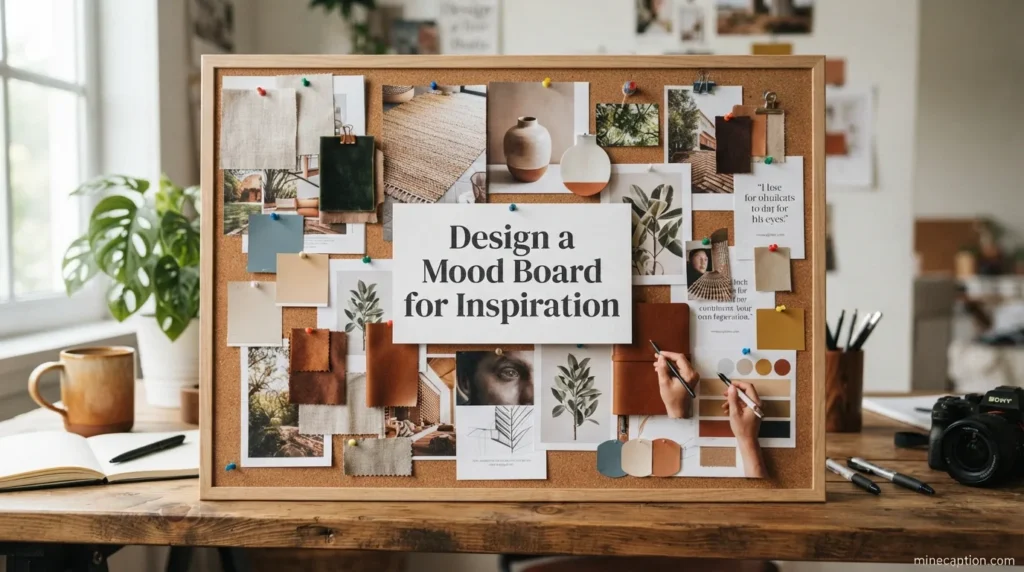
- Create a collage of beach photos with a single white text overlay that says “Chasing Summer”. 🌊
- Use a dark background and place bright, colorful photos of flowers in a grid pattern. 🌺
- Create a mood board for a dream vacation by using photos of food, landmarks, and sunsets. ✈️
- Use a photo of a cozy room as the center and place smaller photos of books and candles around it. 🕯️
- Gather photos of your favorite fashion icons and make a grid that represents your personal style. 👠
- Use a collection of vintage photos and add a warm, grainy filter to create a nostalgic feeling. 📻
- Create a mood board for a new product launch using photos of textures and color swatches. 🎨
- Use photos of different coffee shops and cafes to create a mood board for a perfect morning. ☕
- Create a vision board for the new year with photos that represent your goals and dreams. ✨
- Use a split screen of your favorite songs and create a mood board for a perfect playlist. 🎧
- Gather photos of different landscapes like mountains, forests, and lakes for a nature mood. 🏞️
- Create a mood board for a specific emotion like “Calm” using photos of water and clouds. ☁️
- Use a blank white background and place black and white photos in a clean, organized grid. 📸
- Create a mood board for a party theme using photos of balloons, confetti, and lights. 🎉
- Use photos of your favorite art pieces and make them the center of your visual story. 🖼️
Use a Full-Screen Video Background
- Film a slow-motion video of rain on a window and place your text in the middle of the screen. 🌧️
- Use a video of a busy street and overlay a question in a bold, white font. 🏙️
- Film yourself walking through a beautiful park and talk to the camera about your day. 🌳
- Use a video of a fireplace burning and place a cozy quote over the top of it. 🔥
- Create a video of you cooking and add text that explains what you are doing at each moment. 🍳
- Use a video of the ocean waves and add a simple text about relaxation and peace. 🌊
- Film yourself holding a product and rotate it slowly so people can see all the details. 📱
- Use a time-lapse video of a sunset and add a call to action to your story. 🌅
- Film yourself laughing and use the video to share a happy and relatable moment. 😂
- Use a video of a bustling market and add text that describes the sounds and smells. 🍎
- Film a video of your pet doing something funny and use it to tell a joke. 🐾
- Use a video of a concert stage and ask your audience if they have ever been to that venue. 🎤
- Film yourself trying on different outfits and ask your followers for their opinion. 👗
- Use a video of a beautiful landscape and write a motivational quote over the scene. 🏔️
- Film a video of you drawing or painting and use it to show your artistic process. 🖌️
Play with Different Typography Styles
- Write the first letter of your story in a huge, bold font and the rest of the text in a normal font. 🔠
- Use a script font for your main quote and a sans-serif font for your credit or call to action. ✍️
- Create a “Word Cloud” effect by placing different words in random spots on the screen. ☁️
- Use a bold, chunky font for a strong statement and a thin, delicate font for a softer emotion. ⚖️
- Write your text in a circle or an arc to create a unique visual shape. 🌀
- Use a different color for every single word in your sentence to make it pop like a rainbow. 🌈
- Write a question in a huge font and write the answer in a very tiny font in the corner. 🤔
- Use the “Highlight” tool to color over part of your text, making it look like a highlighter. 🟡
- Write a single word in a very big font and fill the rest of the screen with small, repeating text. 🔁
- Use a typewriter-style font to give your story a vintage, old-school feel. 📠
- Place your text behind your main image, cutting it off for a creative design element. 🎭
- Use all capital letters for your main point and lowercase letters for the supporting details. 🔈
- Write your text as if it is a conversation between two people, using different fonts for each. 👥
- Use the “Shadows” feature to create a 3D effect with your text. 🧊
- Write your text in a straight line down the middle of the screen for a clean, structured look. 📏
Show a Behind-the-Scenes View
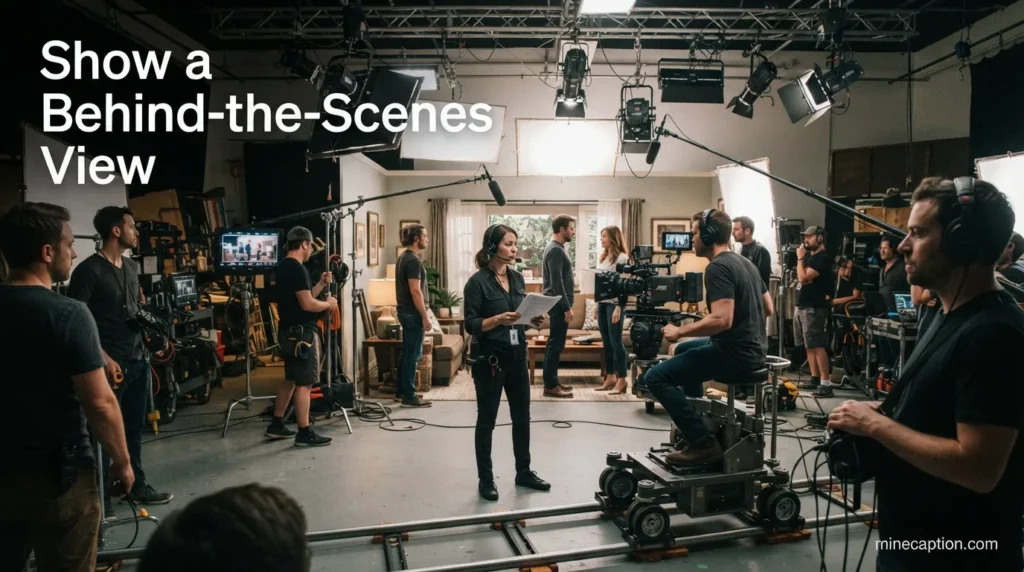
- Show a photo of your laptop with a messy desk and a coffee stain on a piece of paper. 🖥️
- Take a video of you packaging orders and show how much care you put into each box. 📦
- Show a photo of a brainstorming session with a whiteboard full of random ideas. 💡
- Show a “Failed” attempt at a project to show that you are not afraid to make mistakes. 🚧
- Show a video of you looking for the perfect lighting to take a photo for your brand. ☀️
- Share a screenshot of a funny DM you received from a friend or follower. 😂
- Show the view from your window right now and describe what you are thinking about. 🪟
- Share a story about a challenge you faced today and how you overcame it. ⛰️
- Show a time-lapse of you setting up a photoshoot for a new product. 🎬
- Share a story about an idea that popped into your head in the shower. 🚿
- Show a photo of the tools you use every day to run your business. 🛠️
- Share a quick video of you singing along to a song in the car on the way to work. 🎶
- Show a photo of a library or a quiet place where you like to work. 📚
- Share a story about a customer review that made your day. 💌
- Show a photo of your team laughing together during a break. 🤝
Create a Poll with Visual Results
- Show a picture of a sunny beach for “Option A” and a snowy mountain for “Option B”. 🏖️
- Show a picture of a burger for “Option A” and a pizza for “Option B” and ask for dinner ideas. 🍔
- Put a blue checkmark behind “Yes” and a red X behind “No” to make your poll clear. ✅
- Ask your audience to choose between two outfits you are considering for an event. 👗
- Show a picture of a dog for “Option A” and a cat for “Option B” to find out your followers’ preference. 🐶
- Ask your audience to choose between two book covers you are designing for your new novel. 📕
- Show two different color palettes for your next product and ask people to vote. 🎨
- Ask your audience whether they prefer morning routines or night routines. 🌙
- Show a photo of a coffee for “Option A” and tea for “Option B” to start a friendly debate. ☕
- Ask your audience to help you decide on a name for a new pet or character. 🐾
- Show two different destinations and ask people where they would rather travel. ✈️
- Ask your audience if they prefer to watch movies at home or in the theater. 🎥
- Show two different types of flowers and ask which one they would gift to a friend. 💐
- Ask your audience which of two logos they prefer for your brand refresh. 🏷️
- Show two different hairstyles and ask your followers for their opinion. 💇
Use the Highlight Covers as a Layout Guide
- Make sure your story’s main color matches your highlight cover color exactly. 🎯
- Use the same font in your stories that you used to design your highlight covers. 🔤
- Use a similar filter on your story photos that you used for your highlight icon. 🎞️
- Add a small, subtle sticker that matches the theme of your highlight category. 🏷️
- Use a similar border or frame on your stories that appears on your highlight covers. 🖼️
- If your highlight covers are minimal, keep your daily stories minimal too. 📄
- If your highlight covers are playful, add a fun GIF to your daily story. 🥳
- Use a photo from the same photoshoot that you used for your highlight icons. 📸
- Add a “See More” sticker that matches the style of your highlight cover font. 👀
- Use the same color palette in your story that is present in all your highlight covers. 🌈
- Make sure the overall mood of your story matches the mood of your highlight covers. 🕊️
- Use a similar layout grid in your story that you used to arrange your highlights. 🧩
- If your highlights are about fashion, make sure your story uses a chic, stylish font. 👠
- If your highlights are about food, use warm, appetizing colors in your daily story. 🍲
- If your highlights are about travel, use a bold, adventurous font in your stories. 🗺️
Design a Game or Quiz
- Ask a question and show two pictures, one of the right answer and one of a funny wrong answer. 🤣
- Create a “Guess the Song” game by showing a lyric and asking people to name the artist. 🎵
- Show a picture of a zoomed-in object and ask people to guess what it is. 🔍
- Ask a question about a fun fact and put a “True” button and a “False” button on the screen. ❓
- Create a “Would You Rather” game with two funny and difficult choices. 🤷
- Ask a question about your brand or product to test your audience’s knowledge. 🧠
- Create a personality quiz where each answer leads to a different outcome. 🧩
- Show a picture of a celebrity from their childhood and ask people to guess who it is. 🌟
- Ask a question about a popular movie and show two stills from the movie as answers. 🎬
- Create a “Spot the Difference” game by showing two almost identical pictures. 🕵️
- Ask a question about a specific place and show four different locations as options. 📍
- Create a quiz about your own life to let your audience get to know you better. 🗣️
- Ask a question about a historical event and show two different dates as options. 📅
- Create a “Fill in the Blank” quiz where people can reply to you via DMs. ✍️
- Ask a question about a specific skill or hobby and give multiple-choice answers. 🎨
Use a Split Screen Effect
- Show a picture of you on the left and a text quote from you on the right. 🗣️
- Show a picture of a messy room on the top and a clean room on the bottom. 🔽
- Show a video of you talking on one side and a video of your product in use on the other. 📹
- Show a picture of your current view and a picture of your dream view side by side. 🌅
- Show a picture of a raw ingredient on one side and the final cooked meal on the other. 🍽️
- Show a picture of you as a child on the top and a picture of you now on the bottom. 👶
- Show a video of a fast-paced activity and a video of a slow, relaxing activity next to it. 🏃
- Show a picture of your old logo on one side and your new logo on the other. 🔄
- Show a picture of a color swatch on one side and a picture of the final product in that color. 🎨
- Show a picture of you working out on one side and a picture of you resting on the other. 💪
- Show a picture of a book on one side and a picture of a movie adaptation on the other. 📖
- Show a picture of the sun on the top and the moon on the bottom for a day/night contrast. 🌙
- Show a picture of you looking happy and a picture of you looking serious for a contrast effect. 😊
- Show a picture of a city skyline during the day and the same skyline at night. 🌃
- Show a picture of a suggestion from a follower and your response right next to it. 💬
Create a “Day in My Life” Sequence
- Start the story with a photo of your alarm clock going off in the morning. ⏰
- Show a photo of your breakfast and your first cup of coffee or tea. 🍳
- Show a video of your commute to work or school. 🚗
- Show a photo of your workspace and what you are working on that day. 💻
- Share a picture of your lunch break and what you are eating. 🥗
- Show a video of a funny moment that happened to you during the day. 🤣
- Show a photo of an afternoon walk or a moment of relaxation. 🌳
- Show a photo of a beautiful sunset or the view from your window in the evening. 🌇
- Show a picture of your dinner and a cozy evening activity. 🍝
- Share a video of you winding down at night with a book or a movie. 📺
- Show a picture of a conversation you had with a friend during the day. 💬
- Share a story about a small victory you achieved during the day. 🏆
- Show a picture of something that made you smile during the day. 😊
- Share a story about a challenge you faced and how you handled it. 💪
- End the story with a picture of your bed and a goodnight message to your followers. 🌙
Design a Simple Stop-Motion Animation
- Move a coffee mug across a desk one inch at a time and take a photo each time. ☕
- Create a sequence of a plant growing by moving a small toy plant up a little bit each frame. 🌱
- Animate a small ball rolling across the screen by taking photos of it in different places. ⚽
- Create a stop-motion video of a sandwich being made, layer by layer. 🥪
- Animate a piece of paper folding itself by taking photos of each fold. 📄
- Create a sequence of a pair of shoes walking by moving them forward in each frame. 👟
- Animate a tiny character waving by taking photos of its arm in different positions. 🧸
- Create a stop-motion of a book opening and closing by moving the pages slowly. 📖
- Animate a pair of glasses sliding across a table to land in front of your text. 👓
- Create a stop-motion video of a candle burning down by taking a photo every few minutes. 🕯️
- Animate a set of keys dancing on a table by moving them slightly in each frame. 🔑
- Create a stop-motion of a pencil drawing a line on a piece of paper. ✏️
- Animate a toy car driving across a map by moving it forward in each frame. 🚗
- Create a stop-motion video of a flower blooming by opening the petals slowly. 🌸
- Animate a letter being written by moving a pen across a piece of paper. 🖊️
Use a Cinematic Black Bar Layout
- Add black bars to a photo of a landscape and put a poetic quote in the top bar. 🏞️
- Add black bars to a video of you talking and put your name in the top black bar. 🎬
- Add black bars to a photo of a product and put the price in the bottom black bar. 💰
- Add black bars to a video of a scene and put the location name in the top bar. 📍
- Add black bars to a photo of a person and put their name and title in the bottom bar. 👤
- Add black bars to a video of a workout and put the exercise name in the top bar. 🏋️
- Add black bars to a photo of a food dish and put the ingredients in the bottom bar. 🥘
- Add black bars to a video of a dance and put the song name in the top bar. 💃
- Add black bars to a photo of a building and put the architect’s name in the bottom bar. 🏛️
- Add black bars to a video of a pet and put their name and breed in the top bar. 🐕
- Add black bars to a photo of a sunset and put the date in the bottom bar. 📅
- Add black bars to a video of you painting and put the name of the artwork in the top bar. 🖼️
- Add black bars to a photo of a group of friends and put the event name in the bottom bar. 🎊
- Add black bars to a video of a concert and put the band name in the top bar. 🎸
- Add black bars to a photo of a fashion look and put the brand names in the bottom bar. 👗
Highlight a Single Product or Feature
- Place a picture of a new book in the center of the screen and write “Now Available” above it. 📕
- Show a picture of a new piece of jewelry and write “Limited Edition” below it. 💍
- Show a picture of a new skincare product and write “Glow Up” next to it. ✨
- Show a picture of a new piece of clothing and write “Coming Soon” over it. 👕
- Show a picture of a new gadget and write the name of the gadget underneath it. 📱
- Show a picture of a new food item and write “Taste the Difference” below it. 🍕
- Show a picture of a new piece of art and write the name of the artist below it. 🎨
- Show a picture of a new toy and write “Unbox Now” above it. 🧸
- Show a picture of a new service and write a short benefit like “Save Time” below it. ⏳
- Show a picture of a new software interface and write “Upgrade Today” next to it. 💻
- Show a picture of a new accessory and write “Complete the Look” below it. ⌚
- Show a picture of a new candle and write “Light it Up” above it. 🕯️
- Show a picture of a new tea flavor and write “Sip and Relax” below it. 🍵
- Show a picture of a new fitness item and write “Get Fit” next to it. 🏋️
- Show a picture of a new plant and write “Bring Nature Home” below it. 🌱
Create a “Tutorial” with a Green Screen Effect
- Stand in front of a green screen and pretend you are reporting from a red carpet. 🎤
- Place yourself in front of a beautiful sunset while you share a motivational message. 🌅
- Stand in front of a bookcase background while you review a new book. 📚
- Place yourself in a busy city street while you give fashion advice. 🏙️
- Stand in front of a kitchen background while you teach a quick cooking tip. 🍳
- Place yourself in a gym background while you explain a workout routine. 💪
- Stand in front of a garden background while you give gardening advice. 🌻
- Place yourself in a classroom background while you give a lesson. 🏫
- Stand in front of a music studio background while you talk about new music. 🎵
- Place yourself in a peaceful forest background while you talk about meditation. 🌲
- Stand in front of a party background while you announce a new event. 🎉
- Place yourself in a space background while you talk about science or tech. 🚀
- Stand in front of a beach background while you talk about summer plans. 🏖️
- Place yourself in a museum background while you talk about art. 🖼️
- Stand in front of a snowy mountain background while you talk about winter sports. 🏔️
Use the “Reveal” Method
- Cover the screen with a red scribble and tell people to “Swipe up to see the secret”. 🔴
- Cover a photo of a new product with a “Coming Soon” sticker. 📦
- Reveal a photo of your new haircut after teasing a “Big Change” in the first story. 💇
- Cover a photo of a destination with a question mark sticker. ❓
- Show a blurry photo and ask people to guess what it is before you reveal it. 🤔
- Cover the screen with digital paint and slowly erase it to reveal a message. 🖌️
- Cover a photo of a new pet with a paw print sticker. 🐾
- Reveal the cover of your new book after a week of teasing. 📕
- Cover a photo of a new recipe with a mystery ingredient sticker. 🥣
- Show a screenshot with a part of the screen blurred out. 📱
- Cover a photo of a new outfit with a question mark. 👗
- Reveal a surprise guest in your next story after covering them with a sticker. 🤩
- Cover a photo of a new house key with a “New Chapter” sticker. 🏠
- Show a photo of a new relationship with a simple heart sticker covering the face. ❤️
- Reveal a new business idea after showing a photo of a blank notebook. 📓
Create a Sentimental Quote Card
- Choose a soft pastel background and write a quote about self-love in a cursive font. 💕
- Use a photo of the night sky and write a quote about dreaming big. 🌌
- Choose a photo of a cup of tea and write a quote about slowing down. 🍵
- Use a photo of a path in the woods and write a quote about life’s journey. 🌲
- Choose a photo of a candle and write a quote about finding light in the dark. 🕯️
- Use a photo of the ocean and write a quote about letting go. 🌊
- Choose a photo of a cozy blanket and write a quote about comfort. 🧶
- Use a photo of a flower and write a quote about growth and change. 🌸
- Choose a photo of a stack of books and write a quote about knowledge. 📚
- Use a photo of a sunrise and write a quote about new beginnings. 🌅
- Choose a photo of a laughing person and write a quote about joy. 😂
- Use a photo of a circle of friends and write a quote about community. 🤝
- Choose a photo of a mountain peak and write a quote about achievement. ⛰️
- Use a photo of a calm lake and write a quote about inner peace. 🏞️
- Choose a photo of a starry night and write a quote about hope. ✨
Show a “Text-Only” Story
- Write a story about a lesson you learned this week on a plain white background. 📝
- Write a story about a book you are reading and why you love it. 📖
- Write a story about a song that is stuck in your head and why it means so much to you. 🎶
- Write a story about a movie you just watched and your honest review. 🎬
- Write a story about a moment of gratitude you experienced today. 🙏
- Write a story about a challenge you are currently facing. 💪
- Write a story about a goal you just achieved and how it felt. 🏆
- Write a story about a place you want to visit and why. ✈️
- Write a story about a new habit you are trying to build. 🌱
- Write a story about a person who inspires you. 🌟
- Write a story about a funny thing that happened to you today. 🤣
- Write a story about a quote that changed your perspective. 💡
- Write a story about a dream you had last night. 🌙
- Write a story about a fear you are trying to overcome. 🦋
- Write a story about something you are looking forward to this week. 🎉
Design a “Thank You” Message
- Write “Thank You” in big, bold letters on a bright, happy background. 🌞
- Show a picture of a bouquet of flowers and say “Thank you for your support”. 💐
- Use a photo of a party scene to thank your followers for a milestone. 🎉
- Show a picture of a handwritten card that says “Thank You”. ✉️
- Use a photo of a beautiful sunset and say “Thank you for this beautiful life”. 🌅
- Thank your followers for reaching a specific number of likes on a post. 👍
- Thank your followers for a specific piece of advice they gave you. 💬
- Thank your followers for their patience during a product launch. ⏳
- Thank your followers for being a part of your community. 🤝
- Thank your followers for a great conversation you had in the DMs. 📩
- Thank your followers for their recommendations. 📌
- Thank your followers for their kindness. 💕
- Thank your followers for their loyalty. 🛡️
- Thank your followers for their laughs and smiles. 😊
- Thank your followers for just being themselves. 🌟
Conclusion
Your Instagram Story is a window into your world. It is a chance to connect, inspire, and engage. You do not need to be a professional designer to tell a great story, You just need a few solid insta story layout ideas, You have learned many ways to make your stories stand out, You can create a clean minimalist look, You can design an interactive quiz, You can share a heartfelt quote. The key is to be yourself. Your authentic voice is what connects with people. Experiment with these layouts. Find the ones that feel right for your brand. Remember, the goal is not perfection. The goal is connection. Use these ideas to show your real self. Watch your engagement grow. Watch your community become stronger. Your story matters. It is time to share it with the world in a beautiful and engaging way.
FAQs
What is the most important thing to keep in mind for Insta story layout ideas?
The most important thing is clarity. Your layout should make your message easy to understand. The viewer should not have to work hard to figure out what you are saying. A good layout grabs their attention and guides their eye to the most important part of the story. Whether you are using a minimalist design or a dynamic collage, always ask yourself if the message is clear. Keep the viewer in mind and make their experience as easy and enjoyable as possible.
How often should I change my Instagram Story layout style?
You do not need to change it every day. It is good to keep some consistency so people recognize your brand. However, you should also experiment. Try new styles every few weeks. You can track your analytics to see what performs best. See which layouts get the most views and replies. Use that data to improve. Your style can evolve with your brand. The most important thing is to stay true to yourself while also keeping your content fresh and engaging.
Can I use these insta story layout ideas for business accounts?
Yes. In fact, many of these layouts are perfect for business accounts. A clean, minimalist look can build trust. A step-by-step guide can demonstrate your expertise. A behind-the-scenes view can humanize your brand. Using polls and quizzes can increase engagement. A powerful quote card can align your brand with certain values. The key is to adapt the layout to your business goals. Whether you want to drive sales, build brand awareness, or grow your community, there is a layout here that can help you.
Do I need special apps to create these Instagram Story layouts?
Not necessarily. You can create many of these layouts using only Instagram’s built-in tools. You can use the “Type” mode, the “Draw” tool, stickers, and the “Layout” feature. However, some effects like the cutout collage or split screen can be easier with other apps. Apps like Canva, Unfold, or InShot can give you more control. They offer a wide range of templates and fonts. You can choose whichever works best for you. Start with the basic tools and then expand to other apps as you become more comfortable.
How can I improve my stories if I am not a designer?
You do not have to be a designer to have great stories. Start with the simplest insta story layout ideas in this guide. A clean background with clear text is a great start. Pay attention to the colors you use. Stick to a simple palette. Keep your text short and your message clear. The most powerful thing you can do is be authentic. Your personality is more important than a perfect design. Show up as yourself. Connect with your audience. That is the secret to success on Instagram Stories.
